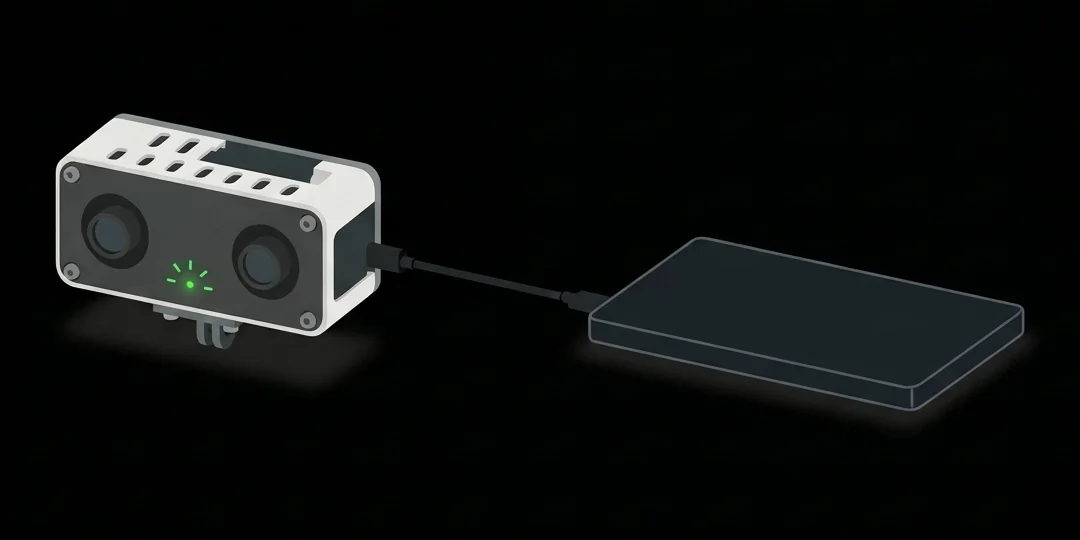
01 · Record
Plug into a power bank
Records within a minute: one blink per second. Unplug to stop; all but the last ~10 s is kept.
Mutual
Stereo video and IMU, straight to the microSD card. Nothing to install: just give it power.
01 · Record
Records within a minute: one blink per second. Unplug to stop; all but the last ~10 s is kept.
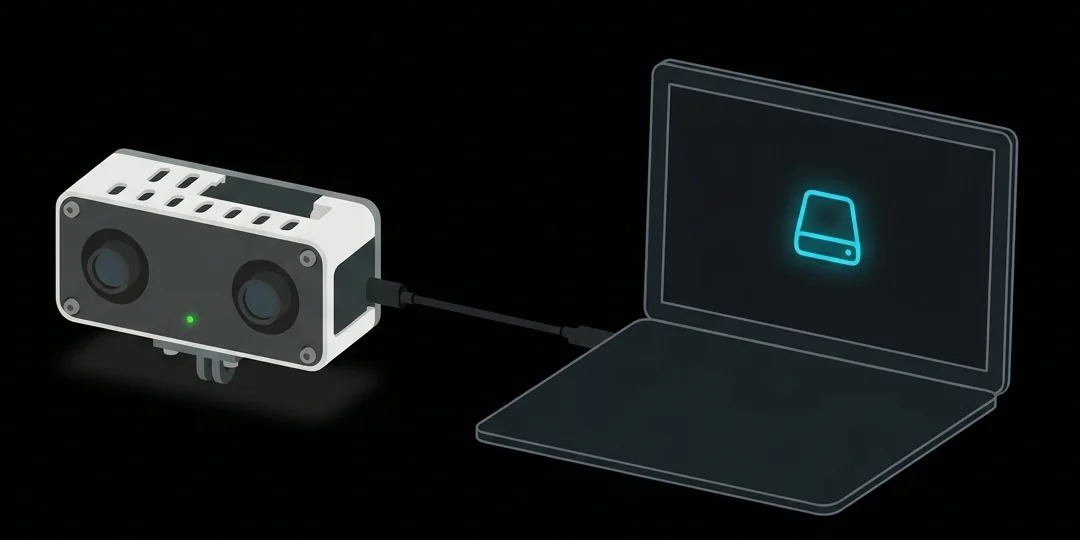
02 · Copy
Recording stops and a drive called ANCHOR appears. Copy its sessions folder.
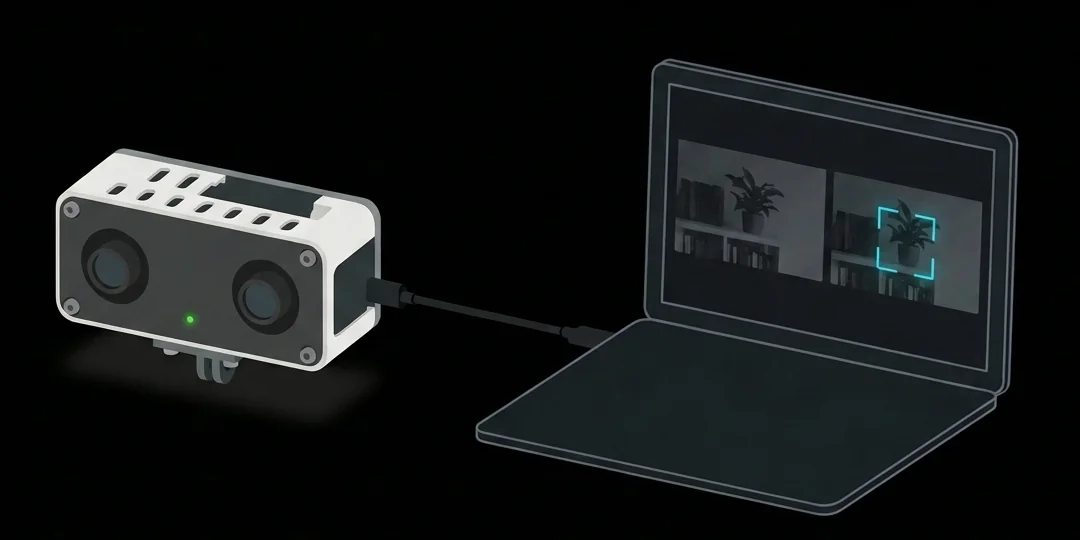
03 · Check & focus
While it is on a computer: status, recordings, a live view for focusing, and camera checks.
Connect ↓Chrome or Edge · USB cable
Plug it into this computer. When the light stays on, click Connect and pick the recorder.
Talks to the recorder over the cable only; nothing is uploaded. Reconnects by itself next time.
Normal use needs no button. Record now takes the card back from this computer.
Flipped here for viewing only: this recorder's software still saves the camera's mirrored picture, so its recordings are mirrored.
Left sharpness
Right sharpness
To focus: aim at something detailed, hold still and click the picture to zoom in. Turn one lens slowly past its sharpest point, then back until its bar is full and green.
| Session | Length | Result |
|---|---|---|
| Loading… | ||
Named unit_boot_n: power-on count, then recording number.
To erase everything, stop the recording first.
Single recordings: Delete in the list above. While deleting, the ANCHOR drive leaves this computer for a few seconds: finish copying first.
Three checks on this recorder. Flicker is filmed by the recorder itself; colour is measured here from the live view; the depth calibration is measured on a computer by tools/anchor-calibrate and this page prepares the capture for it and reads its file back.
| Unit | Last seen | Software | Free | Last check |
|---|
Any computer browser · Nothing uploaded
Choose a copied session folder, or the whole sessions folder, or drop it here. Checks frame timing, lost frames, both eyes and IMU, and fingerprints every file (SHA-256).
Runs in this browser; files never leave your computer. It does not decode the video: for decode errors and frozen, black or identical eyes, use anchor-check.py.
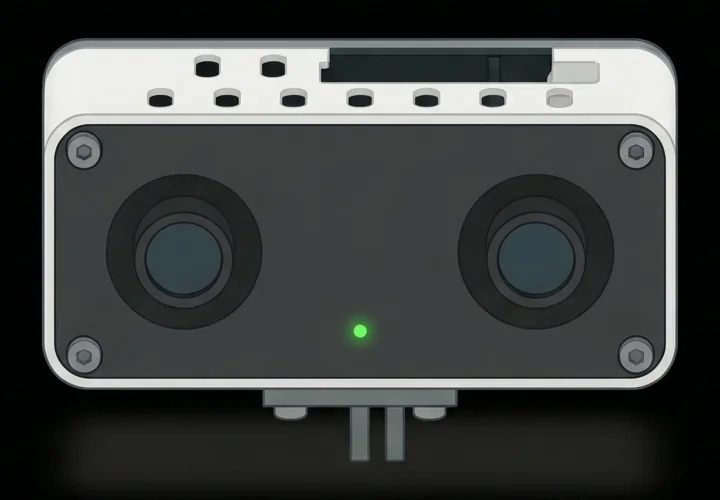
Green status LED
sessions folder to your Mac.The drive is read-only, so nothing on it can be changed by accident. “Disk Not Ejected Properly” is harmless here.
sessions folder.If Windows offers to scan and fix the drive, choose Continue without scanning (it is read-only). A new network adapter and COM port also appear: that is the recorder, and normal.
/media/$USER/ANCHOR within a minute.cp -r /media/$USER/ANCHOR/sessions ~/anchor/, or rsync -a to resume.No automount: find it with lsblk -f, then sudo mount -o ro /dev/sdX /mnt (no partition table; mount the disk itself). exFAT, built into Linux 5.7+.
Size: about 11 GB per hour of recording at the default bitrate. The cable copies at USB 2.0 speed; for many hours, a USB 3 microSD card reader is faster.
Each session folder: left and right video (H.264 unless changed in Settings; 1632×1264, 30 fps, one file per minute), one row per camera frame, and IMU samples. Left and right come from the same camera frame and share one timestamp.
IMU timing: samples arrive in bursts inside video frames; each row carries its frame's timestamp (arrival, not sample time) plus a per-sample counter. Raw units and axis directions await confirmation from the camera maker.
Dates: no clock battery. Power-bank sessions have no calendar date; order is in the name (unit_boot_n: power-on count, then recording number). Sessions recorded while connected here get your computer's date.
Camera: about 113° horizontal, 95° vertical, 129° diagonal field of view per eye (measured). Auto exposure and white balance are on. Anti-flicker is set for 50 Hz mains by default (flicker test in progress); the camera's reported setting is in each manifest.json.
ffmpeg): python3 anchor_load.py sessions/<session>Quick check, no install: Check a recording above. The full check also decodes the video:
python3 anchor-check.py sessions/<session> (Python 3.9+, ffmpeg). Decodes every video file, compares frame counts, flags frozen or black eyes, prints PASS or FAIL, and saves SHA256SUMS and check.json.python3 anchor-check.py --verify-copy sessions/<session> confirms nothing changed.sudo usermod -aG dialout $USER, then log out and in. ModemManager may hold the port for a few seconds; wait 10 s. Ubuntu's Chromium snap also needs sudo snap connect chromium:raw-usb.Unplugging is the normal way to stop; both checks accept the short last file it leaves. For a FAIL, send us the reasons it printed and that session's manifest.json, events.jsonl and health.jsonl.
Live support